Calm Your Phone: Settings & Routines to Reduce Stress
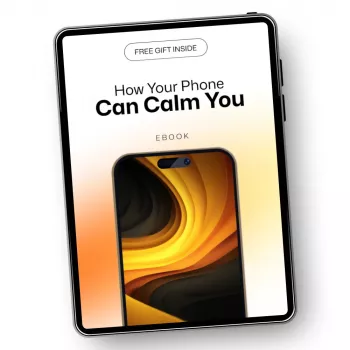
How Your Phone Can Calm You: Simple Routines to Reduce Digital Stress
A phone can either keep the nervous system on edge or become a steady support for calmer days. With a few setting changes and short, repeatable habits, it’s possible to turn notifications, feeds, and screen time into tools for grounding, focus, and rest—without needing to ditch your device.
Why phones feel stressful (and why that’s changeable)
Phones feel stressful for reasons that are surprisingly mechanical—and that’s good news, because mechanics can be adjusted.
- Constant cues: notifications, badges, vibration, and sound create repeated micro-interruptions that keep attention scanning.
- Unfinished-loop pressure: messages and alerts trigger a sense of urgency, even when nothing is truly urgent.
- Decision fatigue: dozens of small choices (reply now, scroll, open, close) add up and increase mental load.
- Context switching: jumping between tasks, chats, and apps can make focus feel fragile and increase irritability.
- A better goal: not “less technology,” but fewer stress triggers and more intentional, calming uses.
Stress can show up in the body as tension, sleep disruption, and a feeling of being “on” all the time. For a clear overview of how stress affects physical systems, see the American Psychological Association (APA) — Stress effects on the body.
Set up a calmer home screen in 10 minutes
The fastest wins come from reducing interruptions and adding small “speed bumps” before distracting apps.
- Turn off non-essential notifications first: marketing, social likes, “someone posted,” and most news alerts.
- Remove notification badges from distracting apps to reduce visual tension and the urge to clear icons.
- Use Focus/Do Not Disturb modes for predictable blocks: work, evening, sleep; allow only key people and apps.
- Create a “Calm” folder on the first page: breathing, meditation, music, notes, calendar, and books.
- Move stimulating apps off the first screen (or log out) so opening them becomes a deliberate choice.
- Set a gentle ringtone and reduce haptics; strong vibration can feel like an alarm to the body.
| Change | Where to adjust | Calming effect |
|---|---|---|
| Silence non-essential notifications | Notification settings per app | Fewer spikes of urgency and interruption |
| Disable badges on social apps | Notification settings / badges | Less visual pressure to “clear” the screen |
| Create Focus modes (Work/Evening/Sleep) | Focus/Do Not Disturb settings | Predictable quiet time for attention and rest |
| Grayscale in the evening | Accessibility / display settings | Less stimulation and reduced scrolling pull |
| Move distracting apps off the home screen | Home screen edit | Adds a pause before opening high-dopamine apps |
| Schedule app limits | Screen Time / Digital Wellbeing | Stops “accidental” long sessions |
Micro-calm tools you can use anywhere (30–120 seconds)
When stress spikes, the best tools are the ones you’ll actually use. Save these as shortcuts on your home screen or in your “Calm” folder.
- One-minute breathing timer: set a repeating timer for 60 seconds; breathe in 4, out 6 to encourage relaxation.
- Grounding note: keep a pinned note with a 5-4-3-2-1 checklist (senses-based grounding) for anxious moments.
- Music as a cue: build a short “reset” playlist (2–3 songs) and use it to mark transitions between tasks.
- Camera grounding: take one photo of something neutral and steady (sky, plant, texture) to slow attention.
- Voice memo brain-dump: record 30 seconds of worries to externalize them, then decide one next action.
If you want more ideas that pair quick actions with longer stress-reduction habits, Harvard Health offers practical options worth bookmarking: Harvard Health Publishing — Ways to reduce stress.
Boundaries that protect focus without making you unreachable
Boundaries work best when they’re specific and predictable—especially if other people rely on you.
- Define “urgent”: choose a small set of people who can break through Focus mode (family, childcare, supervisor).
- Batch messages: check texts/email at set times (for example: mid-morning, mid-afternoon, early evening).
- Use auto-replies in focus blocks: a short message like “In a focus block—will reply after 2 PM.”
- Replace reactive checking with intentional checking: open communication apps only after a specific action (finish task, take water break).
- Unsubscribe ruthlessly: fewer incoming messages means fewer decisions and less background tension.
A helpful mindset shift: treat messages like mail, not like a fire alarm. Most things can wait until your next planned check-in window.
Nighttime settings for deeper rest
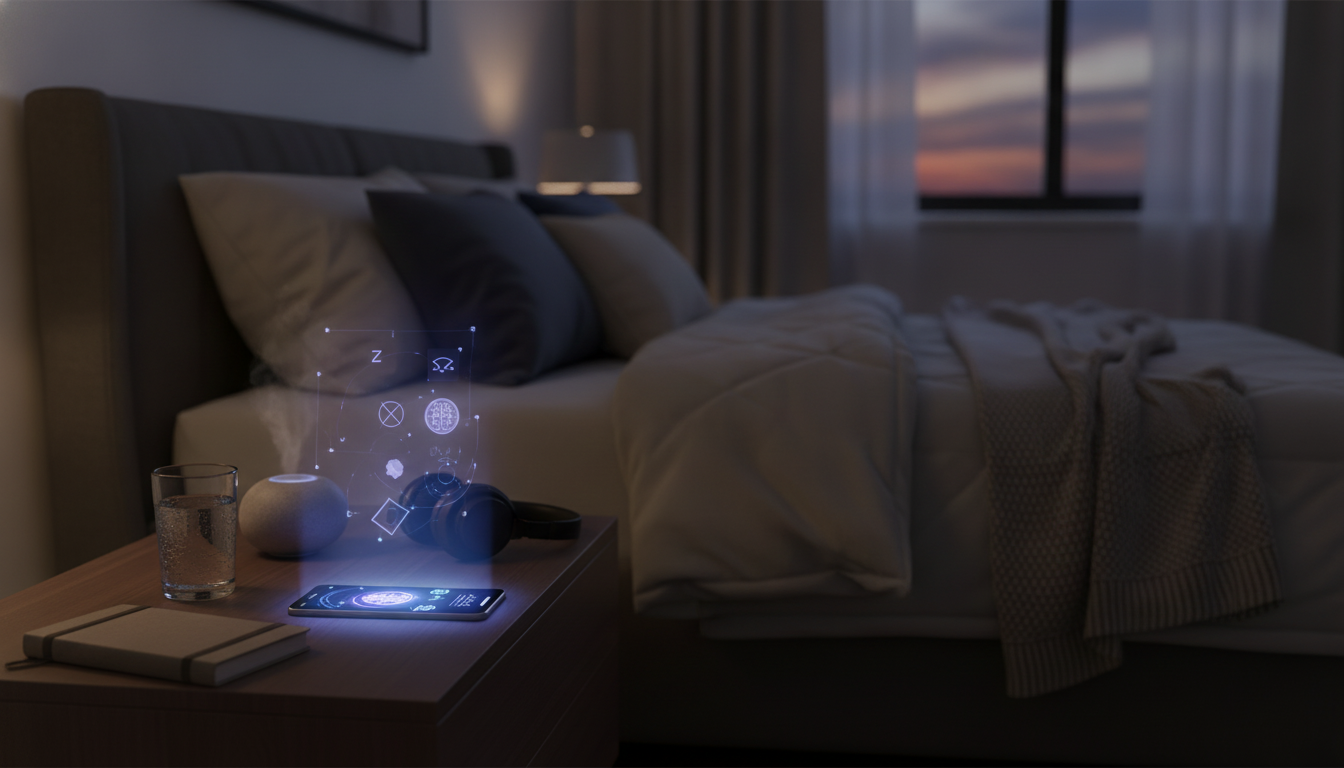
Light exposure is one reason screens can feel “activating” at night. For a plain-language explanation, see the National Sleep Foundation — How light affects sleep.
A 7-day calm-phone plan that sticks
A guided approach for ongoing peace through your phone
If you prefer a step-by-step routine (with prompts you can reuse on hard days), explore How Your Phone Can Calm You: A Guide to Reducing Digital Stress and Finding Peace Through Your Phone. It’s designed to help you set practical boundaries (Focus modes, limits, notification strategy) while also building the emotional habits that make those settings stick (grounding, mindful transitions, healthier checking patterns).
For a small, satisfying “reset” that supports your overall sense of comfort and order, consider Odor-Free Shoes Checklist | Easy Guide on How to Remove Odor from Shoes Naturally | Printable Shoe Care Checklist. Tiny routines that remove background annoyances can make it easier to keep your attention where you want it.
FAQ
Can a phone actually help with anxiety instead of making it worse?
Yes—when notifications and feeds are reduced, the phone can deliver quick grounding tools (breathing timers, calming music, guided exercises) and support routines through Focus modes and limits.
What’s the fastest change that reduces digital stress today?
Turn off non-essential notifications and badges, then set one Focus mode for a predictable quiet block (work or evening).
How can the phone be used for sleep without late-night scrolling?
Use Sleep Focus, grayscale, low brightness, and keep the phone off the bed; allow only alarms and essential contacts.








Leave a comment