Pinterest Group Boards for Traffic: Select, Post, Measure
Why Pinterest Group Boards Still Matter (When Used Selectively)
Pinterest group boards aren’t a magic switch for traffic, but they can still be a practical distribution channel when the board is tightly relevant, actively curated, and filled with contributors who post helpful content. The biggest difference between group boards that drive clicks and group boards that drain time usually comes down to focus, consistency, and a simple workflow that keeps your publishing steady (not spammy). For more guidance, see 5-Year Blog Income Report: Traffic, Ads, HCU & Affiliates.
Used the right way, group boards can give new pins an extra nudge—especially in niches where people actively browse boards to plan, shop, and save ideas. Used the wrong way, they can bury your content in a fast-moving feed with low engagement and weak topic alignment. For further reading, see Travel is Life Creators: A Community of Bloggers, Vloggers ….
When Group Boards Help (and When They Don’t)
Group boards can amplify early distribution by placing your pins in front of multiple contributors’ audiences—particularly in niche topics with an engaged curator and clear posting rules. They tend to underperform when the board is too broad, overloaded with repetitive designs, or dominated by inactive contributors (or off-topic dumping).
Best-fit scenarios include newer accounts building initial visibility, seasonal campaigns that need extra velocity, and niche products/content where the board matches intent closely. Group boards work best as an accelerator—not a replacement for strong pin design, consistent publishing, and well-organized personal boards.
How Pinterest Distributes Pins from Group Boards
Pin reach is shaped by relevance signals (what your pin says, what the destination page is about, and whether the board topic fits), engagement (saves and clicks), and freshness (new images and/or new URLs). Group boards add another layer: the board’s theme and its historical engagement patterns can help—or quietly limit—distribution.
In practice, quality and precision beat volume. Saving a smaller number of strong pins to highly relevant boards is generally safer than mass-posting to dozens of boards. Also avoid saving the same pin image repeatedly in a short window; instead, create fresh creative variations that match the destination and space them out.
For official guidance on best practices and account health, reference the Pinterest Business Help Center and training inside Pinterest Academy.
Finding Group Boards Worth Joining
Start with your niche: search Pinterest for your core topics and open boards that appear frequently in results. If you see multiple contributors listed, it’s likely a group board. Then evaluate whether the board is actively curated—recent saves, consistent cadence, and a feed that stays on-topic.
Tighter topics usually perform better than broad “everything” boards. A board like “meal prep for runners” has clearer intent than “healthy living,” which often becomes a mixed-content feed. Also check the board owner’s instructions (many boards specify how to request an invite via message, email, form, or a linked profile).
Quick screen: what to look for in a group board
| Signal | What “good” looks like | Red flags |
|---|---|---|
| Topic alignment | Board title/description matches the exact content you publish | Broad or vague theme; mixed unrelated categories |
| Recent activity | Fresh saves in the last 7–14 days | No recent saves; long gaps |
| Content quality | Original-looking pins, clear design, useful destinations | Spammy pins, repetitive designs, broken links |
| Contributor behavior | Many contributors but content still stays on-topic | Overcrowded board; off-topic dumping |
| Owner guidance | Clear rules for saving frequency and pin types | No rules; invites seem open to anyone |
Getting Accepted: A Simple Outreach Checklist
Before asking to join, tighten your profile so it clearly signals your niche: a straightforward description, a few strong boards, and several high-quality pins that reflect what you’ll contribute. Then follow the board and, when appropriate, engage lightly—save one or two truly relevant pins to your own boards. Avoid anything that feels forced.
Use the board’s preferred invite method and keep your request specific: who you are, what you publish, and two to three examples (pins or links) that match the board’s topic. Curators often decline generic, mass-sent messages, so a short, tailored request wins more often.
Posting Rhythm and Etiquette That Protects Reach
Measuring What’s Working (and What to Drop)
Common Mistakes That Stall Growth
A Repeatable Workflow for Bloggers, Creators, and Online Businesses
Resources to Speed Up Setup (Plus Digital Products to Promote)
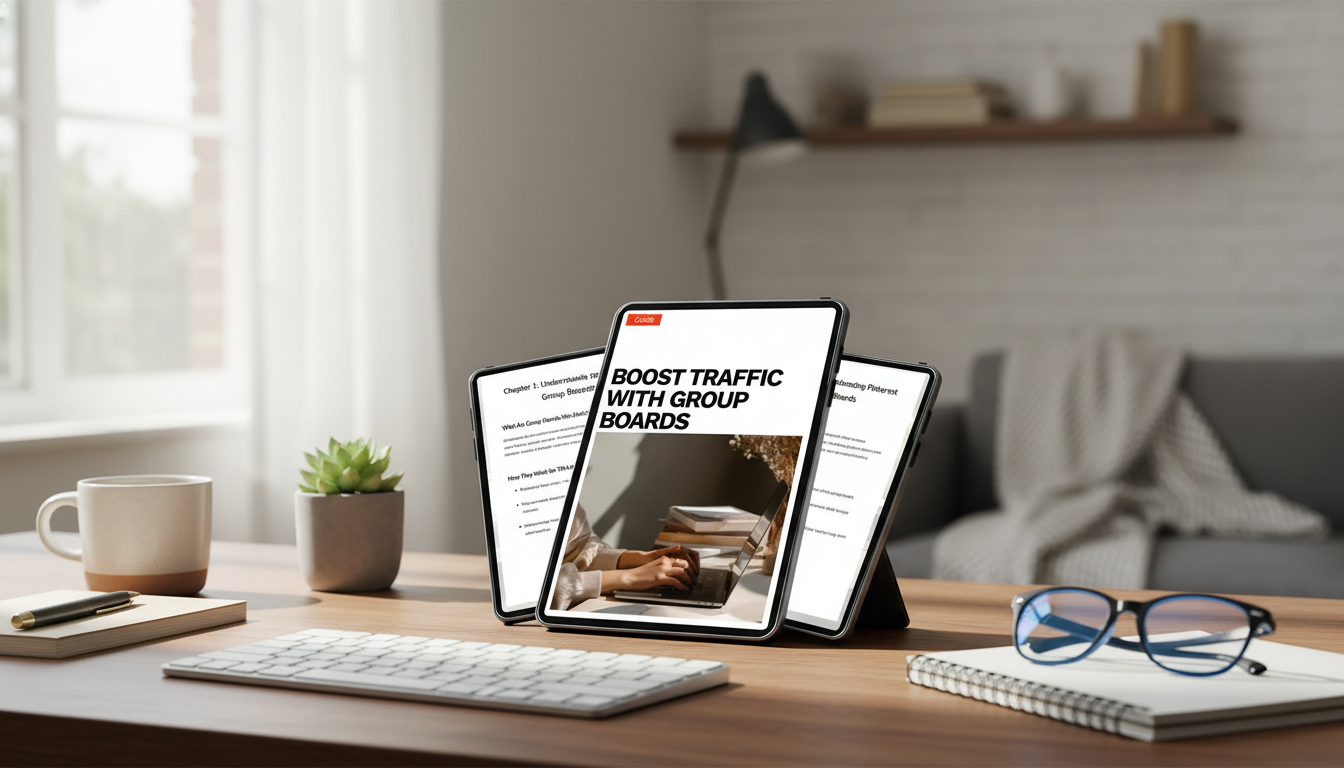
If you want a structured system for selecting boards, following posting rules, and turning group boards into a repeatable traffic channel, use Boost Traffic with Group Boards | Pinterest Group Boards for Traffic Guide for Bloggers, Creators & Online Businesses. Pair it with a simple tracking sheet (boards joined, rules, cadence, results) so decisions stay data-driven.
- The Real Cost of Pet Adoption | Ebook Guide – Pet Adoption Costs Explained for New & Future Pet Parents
- Gentle Curiosity, Safe Homes – Ebook Guide for Child Safety With Exotic Pets
- Odor-Free Shoes Checklist | Printable Shoe Care Checklist
FAQ
Do Pinterest group boards still work for traffic?
Yes, but results depend on tight relevance, active board curation, and strong pin quality. Focus on a few niche boards, use fresh designs, and judge performance by outbound clicks and saves—not impressions alone.
How many group boards should a new account join?
Start small (about 3–10) so it’s easy to stay consistent and see what’s working. Add more only after a board proves it can drive clicks and saves over 30–45 days.
What should be included in a request to join a group board?
Include a brief description of your niche, two or three relevant examples (pins or links), and a clear note that you’ll follow the board’s rules. A specific reason your content fits the board topic helps curators decide quickly.










Leave a comment