Digital Focus Habits: Cut Distractions and Deep Work
Why focus feels harder online
Modern work happens inside environments designed for speed, novelty, and constant updates. That’s convenient for communication—but rough on attention. Each “quick check” (email, chat, a tab, a notification) creates a restart cost: your brain has to reload context, remember what mattered, and rebuild momentum. Over a day, those small switches add up to real fatigue and slower decisions.
Most distraction isn’t a character flaw; it’s environmental. Default app settings, badges, autoplay, and visible icons create continuous “should I check?” pressure. The fastest gains usually come from removing triggers first, then layering simple routines. Research on task switching shows there are real cognitive costs when attention bounces between tasks (American Psychological Association).
A helpful mindset shift: treat attention like a limited daily budget. Spend it on outcomes (a finished draft, a decision, a solved problem), not on inputs (inbox zero, scrolling “just to stay updated,” or keeping every tab open).
A 10-minute digital attention audit
When focus feels slippery, start with a short audit that turns vague frustration into a concrete plan.
Step 1: Name the outputs
Write down the top three outputs that matter this week—deliverables, decisions, or learning milestones. Keep them measurable (for example: “submit the proposal,” “ship the update,” “finish lesson 4 and practice exercises”).
Step 2: Identify the inputs that derail you
List the top three digital inputs that most often pull you off track: apps, people, times of day, or device locations. Be specific (for example: “Slack in the first hour,” “news at lunch,” “phone on desk during writing”).
Step 3: Spot transition traps
Pay attention to in-between moments: after sending an email, waiting for a file, finishing a meeting, or hitting a tough paragraph. These are prime times for autopilot scrolling.
Step 4: Make one friction change today
Pick one small change you can do immediately: remove an app from the home screen, log out, disable a badge, or set a single check-in window. One change done consistently beats five changes abandoned by Wednesday.
Notification hygiene: fewer pings, better decisions
Notifications aren’t just interruptions; they’re prompts to switch goals. Start by turning off non-human noise (marketing pushes, “suggested” alerts, badges). Then keep a tight priority-only rule: calls/texts from key contacts, calendar reminders, and truly time-sensitive work alerts.
Next, batch message checking into planned windows (late morning and late afternoon works for many roles). This reduces reactive switching and makes responses more deliberate. If you’re worried about appearing unavailable, use simple status signals: focus blocks on your calendar, scheduled “Do Not Disturb,” or a short auto-reply for deep work windows.
| Digital trigger | Simple adjustment | Why it works | Best time to start |
|---|---|---|---|
| App badges (unread counts) | Disable badges for non-critical apps | Removes constant “unfinished” cues | Today |
| Push notifications | Allow only time-sensitive alerts | Prevents interruption-driven task switching | Today |
| Email pings | Turn off new mail alerts; schedule check-in blocks | Moves email from reactive to intentional | Next workday |
| Group chats | Mute; use mentions/keywords only | Reduces noise while keeping escalation paths | Today |
| Social media prompts | Remove from home screen or log out | Adds friction to impulse opens | Today |
Designing deep work blocks that actually happen
Practical screen tactics: tabs, inbox, and feeds
Tabs: build a working set
Inbox: reduce check loops
Feeds: add boundaries and a purpose
Research spirals: decide what truly blocks progress
Habit loops that stick: cue, routine, reward
Recovery and breaks: focus needs a reset cycle
An end-of-day shutdown helps tomorrow start cleaner: capture loose tasks, pick the first step for the morning, then close work apps. For many people, reducing late-night screen stimulation also supports better sleep—an important piece of attention the next day (National Institutes of Health (NLM)).
Putting it all together with a simple weekly system
Measure what matters: focused minutes or completed blocks, not just hours at the computer. Then adjust one lever at a time—notifications, environment, or schedule—so the system stays manageable. For more on managing attention amid interruptions, ongoing coverage from Harvard Business Review can be a useful supplement.
A guided approach: Digital Focus Habits Explained
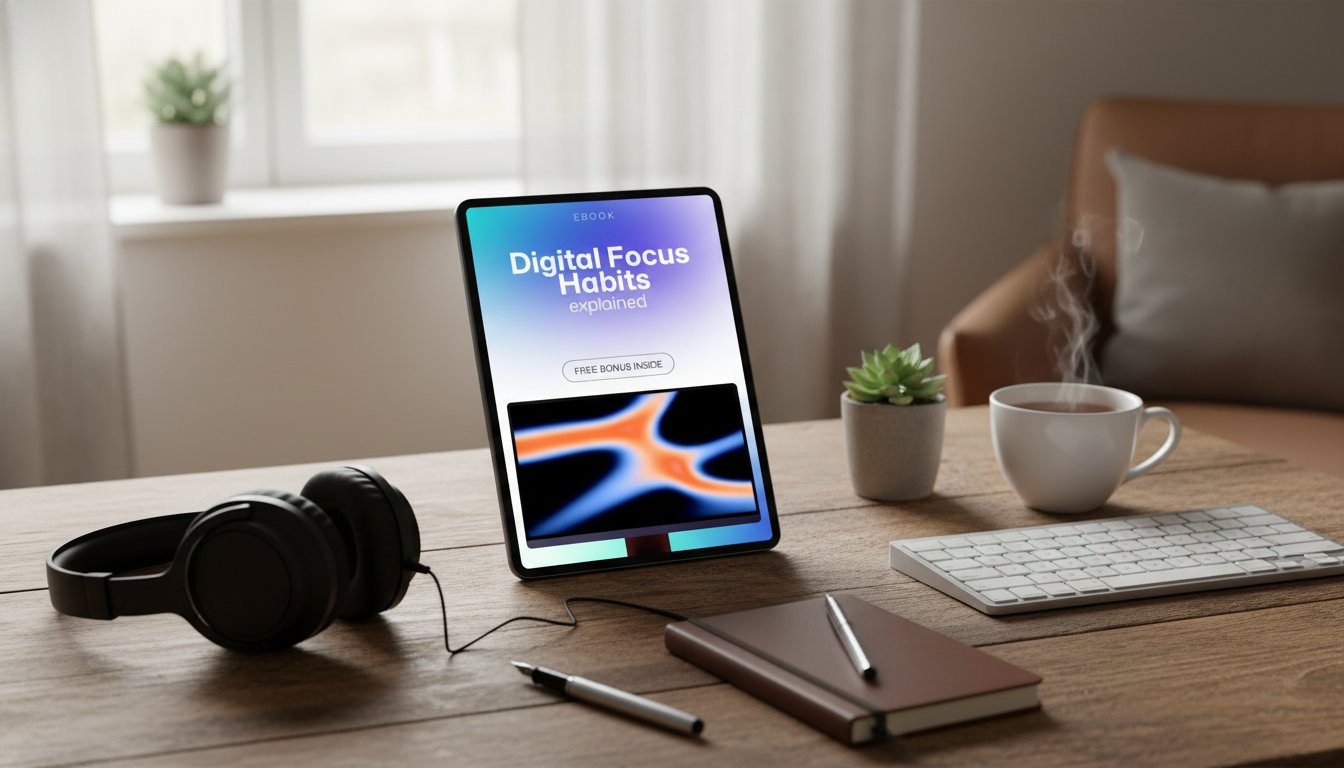
If you want a structured, step-by-step framework, Digital Focus Habits Explained: Master Productivity in a Digital World with Simple, Practical Strategies organizes the core behaviors—reducing triggers, building routines, and maintaining energy—into practical actions you can apply without complicated tools.
More in-stock digital guides you may like
- The Real Cost of Pet Adoption | Ebook Guide – Pet Adoption Costs Explained for New & Future Pet Parents
- Gentle Curiosity, Safe Homes – Ebook Guide for Child Safety With Exotic Pets | Family Safety, Responsible Ownership, Home Habits
- Odor-Free Shoes Checklist | Easy Guide on How to Remove Odor from Shoes Naturally | Printable Shoe Care Checklist
FAQ
How long does it take to build better digital focus habits?
Noticeable benefits can show up within days once interruptions drop, especially after tightening notifications. For most people, one change practiced consistently for 1–2 weeks (like check-in windows) creates a stable base, and then additional habits can be layered in.
What’s the fastest way to stop checking the phone while working?
Add friction immediately: put the phone out of reach, enable Focus/Do Not Disturb, and consider grayscale to reduce pull. Pair that with planned check windows, and use a quick restart ritual after any slip so you return to the task without spiraling.
Do productivity apps help, or do they add more distraction?
They help when they reduce decisions—simple timers, basic blockers, or a lightweight task list. They become distractions when over-customized, so it’s best to choose one tool per job and keep setup minimal.










Leave a comment